Why Is a Nanny Online Marketplace Different From a Regular Service Marketplace?
Should You Build a Babysitter Marketplace on Sharetribe?
What Does It Actually Cost to Build a Nanny Marketplace?
Which Platform Approach Fits a Childminder Website Best?
What Features Do Websites to Find Babysitters Actually Need?
How Roobykon Approaches Nanny and Babysitter Marketplace Projects
Subscribe and you will promptly receive new published articles from the blog by mail
People don’t pick a nanny marketplace because of a slick interface – they pick it because they believe it won’t let a stranger into their kid’s life unchecked. Sharetribe gets you a working babysitter marketplace fast, but the parts that actually earn trust (verification, scheduling, how disputes get handled) usually need custom work on top. We’ve built a fair number of service and care marketplaces at Roobykon, including CareConnect and HomeCareDirect, and this is where we’ve watched nanny platforms succeed or quietly stall out.
- Trust beats UI in childcare marketplaces. Parents choose nanny platforms based on verification, background checks, real references, insurance disclosures, and responsive support, not slick design.
- Sharetribe is a fast starting point. It can launch a babysitter marketplace in weeks, but trust-critical features usually require custom work.
- Childcare-specific customizations matter. Key add-ons include ID verification, background-check providers like Checkr or Certn, CPR/first-aid certifications, recurring bookings, calendar sync, and stronger trust signals.
- Budget should prioritize safety over polish. Parents may forgive a plain-looking site, but they won’t forgive a meaningless “verified” badge.
- There are three main build paths: no-code/Sharetribe for validation, fully custom Ruby on Rails/Node.js for scale and deep integrations, or a hybrid migration from Sharetribe to custom code.
- Must-have features include: advanced search filters, two-way reviews, recurring bookings, escrow-style payments, secure emergency contacts, and safety documents.
Why Is a Nanny Online Marketplace Different From a Regular Service Marketplace?
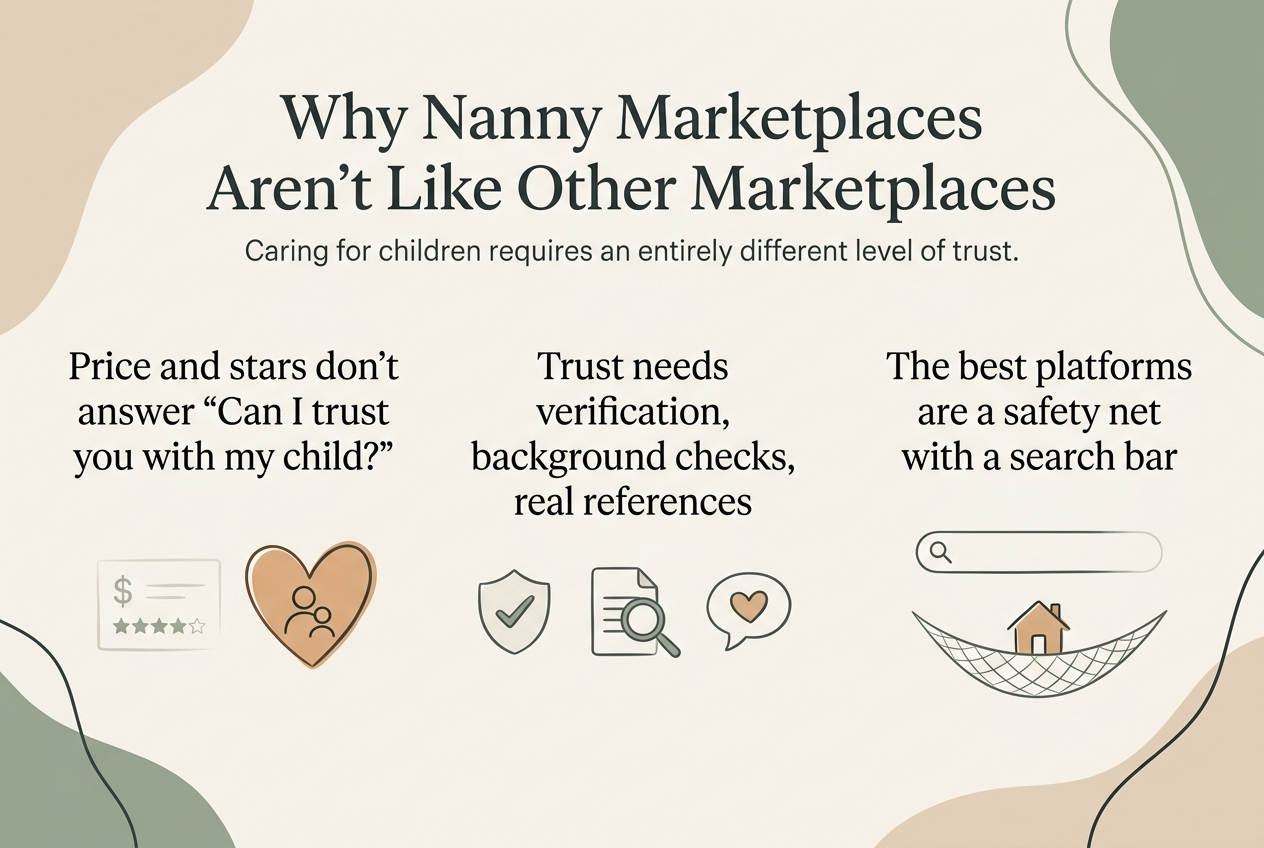
If you’re comparing quotes for a plumber, price and star rating do most of the work. Childcare doesn’t play by those rules. A parent is asking, “Can I trust this person alone with my child?” and that’s a hard question for a website to answer convincingly.
So a generic “list of nannies with a message button” site falls flat pretty quickly. What actually holds up is identity verification, background-check integrations, real references, clear insurance disclosures, and a booking flow that doesn’t feel like checking out a rideshare. The platforms that get this right end up looking less like websites to find housekeepers and babysitters and more like a safety net with a search bar attached.
What Parents Actually Look For in Online Nanny Sites
We put together a fuller caregiving marketplace development guide if you want the deeper version of this, but in short: three things keep coming up when parents talk about why they trust one platform over another. Verified identity. Reviews that read like they came from real families, not templated stars. And a support team that actually picks up when a booking goes sideways.
Should You Build a Babysitter Marketplace on Sharetribe?
Honestly, for most founders, yes, at least to start. Sharetribe hands you listings, messaging, payments, and basic booking without writing a backend from scratch, so a Sharetribe babysitter website can realistically go live in weeks.
The catch is that Sharetribe was built with Sauna rentals and Yoga lessons in mind, not childcare. Getting it to hold up for a nanny marketplace usually means bolting on:
- ID verification and background-check providers (Checkr, Certn, or a local equivalent)
- Certifications – CPR, first aid, early-childhood education, that kind of thing
- Recurring bookings and calendar sync, since most families need a sitter every Tuesday, not just once
- Trust signals: verified badges, how fast someone responds, reviews with actual photos attached
- References – the kind a parent can actually check, not just a checkbox on a profile
Sharetribe vs. Custom Build: A Quick Comparison
Factor | Sharetribe base | Fully custom build |
|---|---|---|
Time to launch | Weeks | Months |
Upfront cost | Low | Higher |
Background-check integrations | Add-on / custom work needed | Built to spec |
Recurring bookings & scheduling | Limited out of the box | Fully flexible |
Best for | Validating demand, early traction | Scaling a proven model |
We’ve pushed Sharetribe about as far as it goes for other verticals, and the lessons carry over cleanly – a lot of what applies to P2P marketplace models in multi-vendor setups maps almost one-to-one onto care-service bookings, integration headaches included.
What Does It Actually Cost to Build a Nanny Marketplace?
There’s no single number for developing a babysitter marketplace, because the real variable is how much of the trust layer you’re building versus buying off the shelf. The range is wider than most founders expect, which is good, because you can match spend to stage.
- DIY on Sharetribe – free. Spin up a basic marketplace on Sharetribe’s free tier yourself. No developers, no invoice. You’ll hit the ceiling fast once verification or payments get specific, but for testing demand, free is a legitimate start.
- Customized Sharetribe Engine – a few thousand dollars. Keep Sharetribe as the foundation, but bring in a team to theme it, wire up background-check and ID verification, and fix the booking flow so it doesn’t feel like a generic listings site. You’re paying for integration, not a ground-up build.
Where the Budget Actually Goes
We wrote up the real cost drivers – team size, which integrations you actually need, realistic timelines – in a separate piece on cost to create an online marketplace, so we won’t repeat all of it here. But the short version is worth saying plainly: put your money into verification and safety before you put it into design polish. Parents will forgive a plain-looking site. They won’t forgive discovering that “verified” badge meant nothing.
Which Platform Approach Fits a Childminder Website Best?
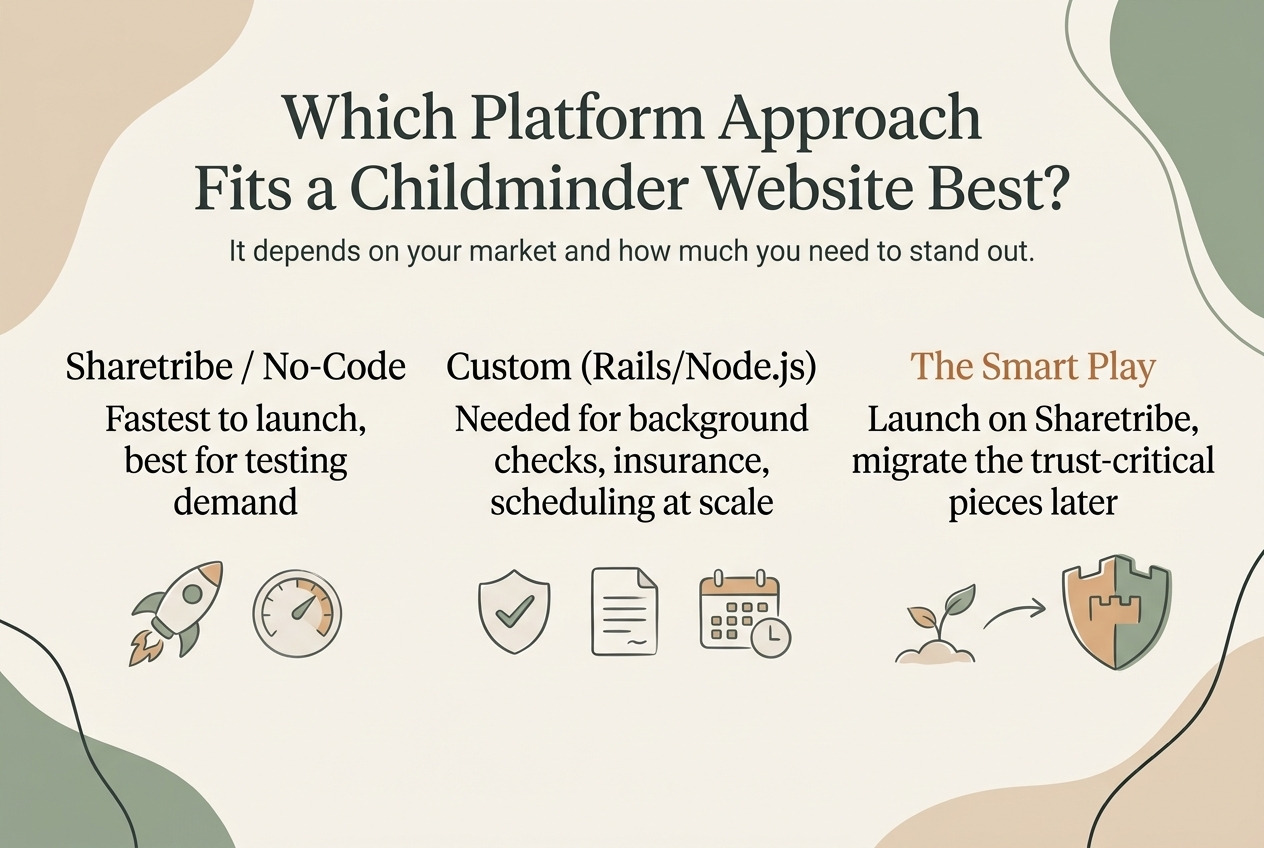
There’s no single right answer to how to create a childminder website. What we’ve learnt is that it really comes down to your market and how much you need to stand out.
Sharetribe or a Similar No-Code Base
Sharetribe development is the fastest way to get something real in front of parents and sitters, and a good fit if you’re testing demand in one city before spending real money. Best for a solo founder or a small team.
Custom-Built On Ruby On Rails/Node.js or Something Similar
Eventually necessary once you need deep integrations – background checks, insurance verification, scheduling logic no-code tools weren’t designed for. Most nanny marketplaces that actually scale end up here.
A Hybrid Path
Launch on Sharetribe, then apply the customizations to your platform OR migrate the trust-critical pieces to custom code once you’ve proven the model. We’ve run this exact migration for other clients, and it’s usually the smartest way to spend money – you’re not overbuilding before you know demand is real, but you’re also not stuck with tooling that caps out just as things start working.
If you’re still sorting out which route of developing a babysitter marketplace fits, it helps to step back and get a handle on the different marketplace types before locking anything in, and to weigh Sharetribe against the Sharetribe alternatives out there if childcare has requirements a generic template just won’t cover.
What Features Do Websites to Find Babysitters Actually Need?
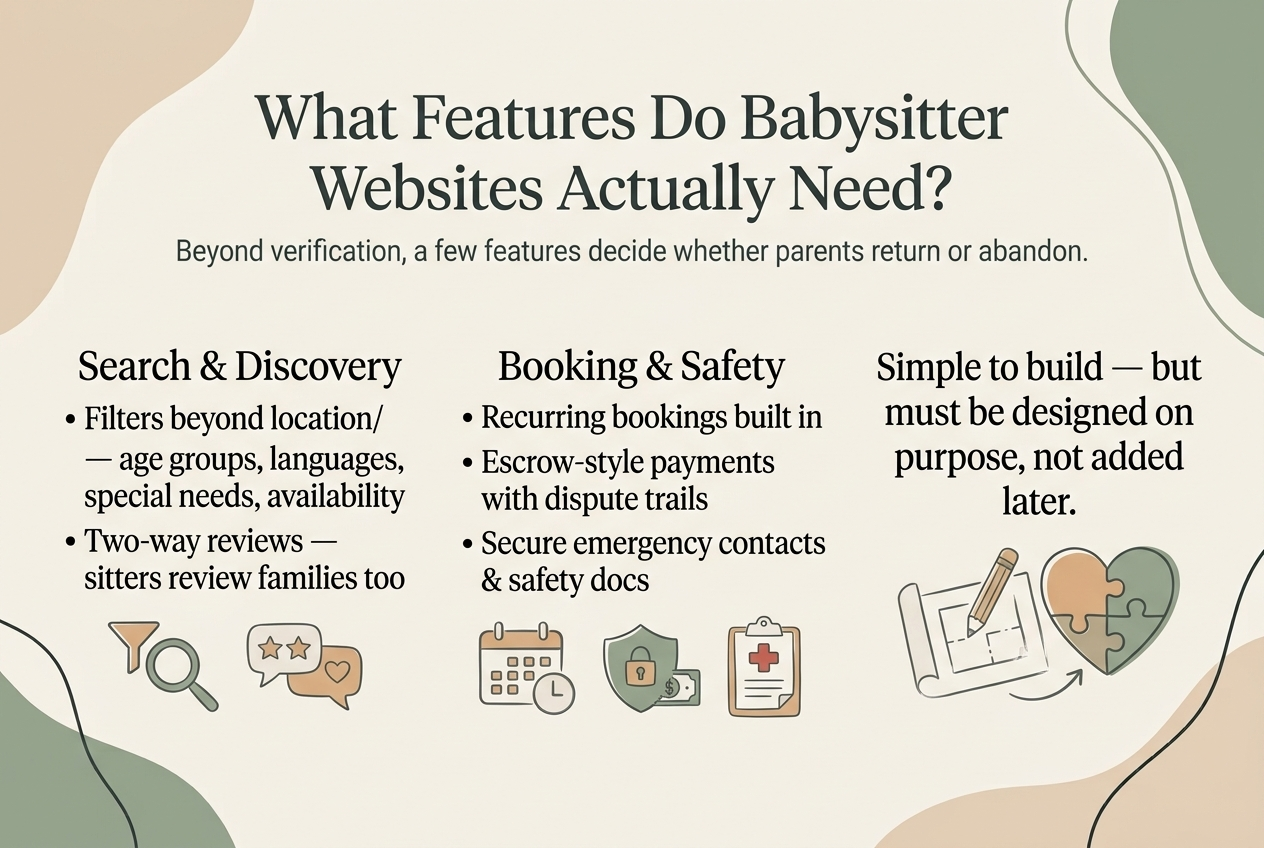
Past the verification basics, a handful of features tend to be the difference between a nanny marketplace people actually return to and one they abandon after the first search.
Search and Discovery
Parents don’t have time to scroll through hundreds of profiles. Search needs to surface the right caregivers fast, with filters that match how families actually make childcare decisions.
- Filters that go beyond location and price – age groups, languages spoken, special-needs experience, actual availability windows
- Reviews that run both ways – sitters reviewing families too, not just the other way around, which does a lot to weed out bad-faith listings on both sides
Booking and Safety
Trust has to carry through every booking, every payment, and every recurring session, because most childcare isn’t a one-time transaction.
- Recurring bookings built into scheduling – most childcare isn’t a one-off; it’s every week
- Escrow-style payments – money moves through the platform, releases after the booking, and disputes leave a paper trail instead of a “he said, she said”
- Emergency contacts and safety documents stored securely and visible to both sides once a booking is confirmed
None of that is technically difficult, but it has to be designed on purpose rather than added later as an afterthought. This is the kind of nanny website design problem where our work on care and home-services marketplaces – HomeCareDirect among them – turned out to be directly useful, even though the niche was different every time.
How Roobykon Approaches Nanny and Babysitter Marketplace Projects
We don’t treat a childcare platform like any other build. Whether the plan is to create a Sharetribe babysitter website or go fully custom, every project starts the same way. We map out the trust journey before anyone touches a screen design. That means answering three questions upfront: how a parent verifies a sitter, how a sitter builds a track record, and what happens when something goes wrong. In a nanny online marketplace, that sequence matters more than in almost any other project we’ve taken on.
Our Process
When you build nanny marketplace infrastructure from scratch, there’s no template to hide behind. Each step below is something we’ve refined across care and service platforms, and each one decides whether your platform feels safe or sketchy.
- Figuring out which parts of the trust flow Sharetribe can handle as-is, and which genuinely need custom code
- Picking and integrating background-check and ID-verification providers early, not bolting them on at the end
- Designing booking and messaging flows that keep people from just moving the conversation off-platform, which quietly kills both your commission model and your safety guarantees
- Setting up admin tools your team can actually use to moderate listings and settle disputes once you’re past a handful of users
- Bringing in the right people to build it – the same care that goes into learning how to hire a Sharetribe expert applies just as much when the integrations are childcare-specific
The difference between forgettable nanny babysitting websites and ones families actually return to usually comes down to this list, not the homepage design.
CareConnect: Launching a Senior Care Marketplace in Weeks, Not Months
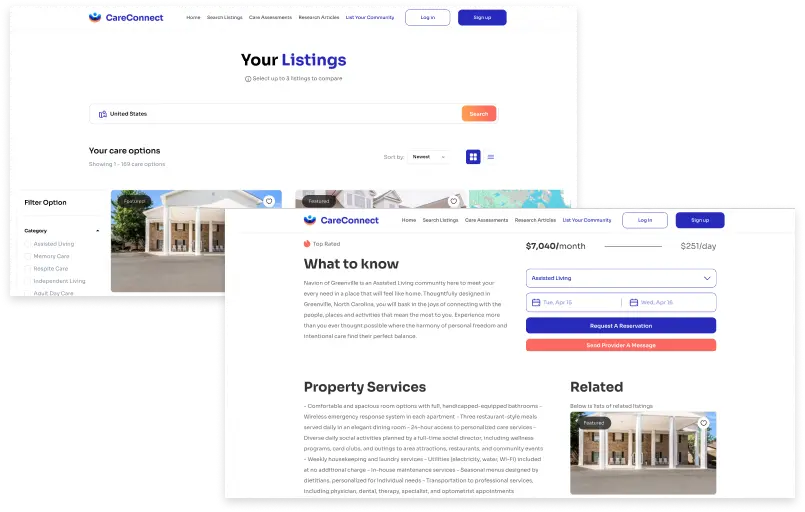
CareConnect’s founder came to us with a mission close to home for a lot of our team – helping families find trustworthy senior care. They also had a deadline that left almost no room for error: a fully working platform in time for a launch conference just a few weeks out.
We built CareConnect on Sharetribe with a React frontend and Node.js backend, using Stripe Connect for payments and Stripe Subscriptions so care providers could choose between a free plan with per-transaction fees or a flat monthly rate. Google Maps API powered a radius-based search so families could find providers close to home, and pricing automatically adjusted for longer stays.
The lesson that carried over into how we now approach childcare projects: when the timeline is tight, ruthlessly protect the features that build trust, and cut everything else first.
HomeCareDirect: Rebuilding a Care-Recruitment Marketplace’s Contract Logic
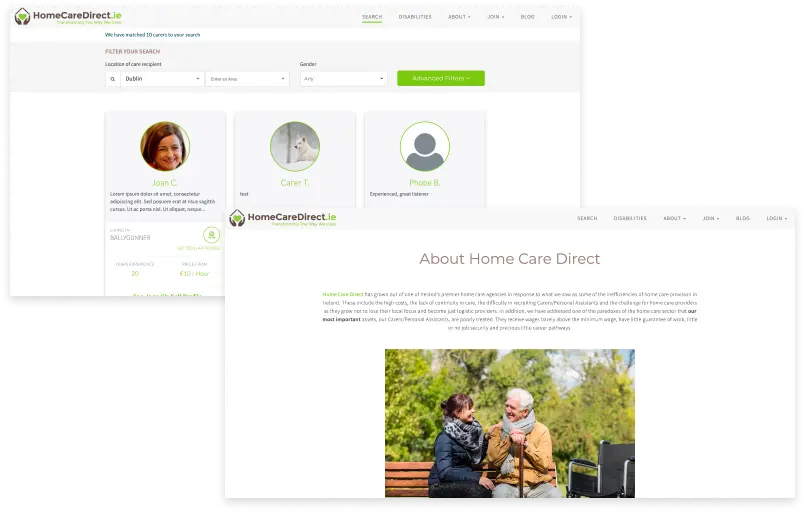
HomeCareDirect connects families directly with carers and personal assistants, cutting out the agencies that used to take a cut of both sides. We inherited an existing codebase from a previous development team, which meant a real audit before writing anything new. We untangled fragile contract logic that needed to flex as schedules, rates, and terms changed over time.
The Roobykon team rebuilt the core on Ruby on Rails with PostgreSQL and ActionCable for real-time updates. We added a full document upload system for carer credentials, restructured the payment and contract model, and layered in a jobs board where families post work and carers apply directly.
For a nanny or babysitter marketplace, the parallel is direct: contracts, recurring schedules, and document verification are exactly the pieces worth getting right before anything else.
Getting Started
If you’re serious about creating websites to find babysitters, the order of operations matters more than the feature list: validate demand cheaply, get the trust layer right before you spend real money on marketing, and don’t mistake a working prototype for a platform parents will actually hand their kids over to.
We’ve spent years building marketplace and care platforms end to end, from quick Sharetribe MVPs to fully custom systems, and we’re happy to talk through what your version of this would actually take. If you already have a rough sense of scope, we can turn that into a real cost and timeline instead of a generic quote.
Ready to build a nanny marketplace parents actually trust?
We've built care platforms from quick Sharetribe MVPs to fully custom systems. Tell us your rough scope, and we'll turn it into a real cost and timeline, not a generic quote.
Let's talk
Recommended articles
 How to Build a Camping Marketplace That Actually Gets Bookings
How much does it cost to build a camping marketplace? Should you use Sharetribe or build custom? What features does your platform actually need? Get all the answers in this complete guide.
 From Idea to Launch: How to Build a Two-Sided Marketplace That People Actually Use
Thinking about building a two‑sided marketplace? In 2026, you can launch an MVP without coding in days, but scaling requires custom logic, multi‑vendor payouts, and a robust trust layer. Roobykon's guide breaks down business models, feature priorities, software options, and what it actually costs to go custom.
 How to Build an Online Learning Marketplace
Online learning is the industry that grows and expands every day. So it’s a great opportunity to start a nice business here. Even though there are lots of online courses, there are still a lot of free niches for special platforms and you can create one of those yourself.
 How to Build an Online Marketplace Website (Complete Guide for 2026)
You have a marketplace idea. Now what? This complete guide answers the questions every founder faces: How do I validate my concept? What features actually matter in an MVP? This article provides practical answers to the challenges of building a marketplace startup from scratch.
