Why Calendar Integration Isn’t Optional Anymore
Transformative Benefits of Google Calendar Website Integration Across Your Platform
Google Calendar Integration With Website Pathways: From No-Code to Fully Custom
Practical Google Calendar Integration API Applications Across Marketplace Verticals
Roobykon’s Google Calendar Integration Implementation Recommendations
Roobykon’s Proven Framework for Marketplace Integration
Case Study: Streamlining Operations with Google Calendar Integration at Wilder Places
Subscribe and you will promptly receive new published articles from the blog by mail
Most marketplace founders underestimate how much chaos a badly managed calendar can create. Missed bookings, double‑sold slots, endless “are you free at…?” emails – all of this quietly kills trust and revenue. In hospitality alone, roughly 25% of accommodation partners experience double bookings in their first year on booking platforms, and businesses can lose around €1,622 per room annually to overbooking and related compensation.
Across sectors, digital scheduling systems with automated reminders have been shown to cut no‑show rates by 23–40% and recover tens of thousands in annual revenue, underlining how much is at stake when calendars are handled manually.
A well‑designed Google Calendar integration with website turns that chaos into a predictable, automated schedule where Sharetribe handles marketplace logic and Google Calendar keeps every provider’s real‑life calendar in sync. This guide will show you how to integrate Google Calendar on website, from quick no‑code setups to a robust, API‑driven solution.
Why Calendar Integration Isn’t Optional Anymore
Service providers on your platform are likely using multiple tools to manage their business – personal calendars, scheduling apps, communication platforms, and your marketplace. Each time they must manually transfer information between these systems, you create friction. Implementing a Google Calendar website integration solves this.
Data from automation platforms reveals compelling statistics about the value of integration:
- Widespread Market Growth: The calendar app market is expanding rapidly. One report valued it at $5.71 billion in 2024, with projections reaching $16.37 billion by 2030 (a 10.4% annual growth rate). Other reports show similarly strong growth for related software.
- High Adoption in the Workplace: Statista 2024 research indicated that 83% of employed Americans rely on calendars to manage their daily workflow.
- Significant Use by Businesses: More than half of organizations (51.68%) were using scheduling apps by 2023, a sharp increase from just 26.37% in 2021. Notably, small businesses hold a 45% market share of calendar software, showing these tools are critical for SMBs.
- 93% of Zapier users (a leading automation platform) report that automation has made them more effective at their jobs
Transformative Benefits of Google Calendar Website Integration Across Your Platform
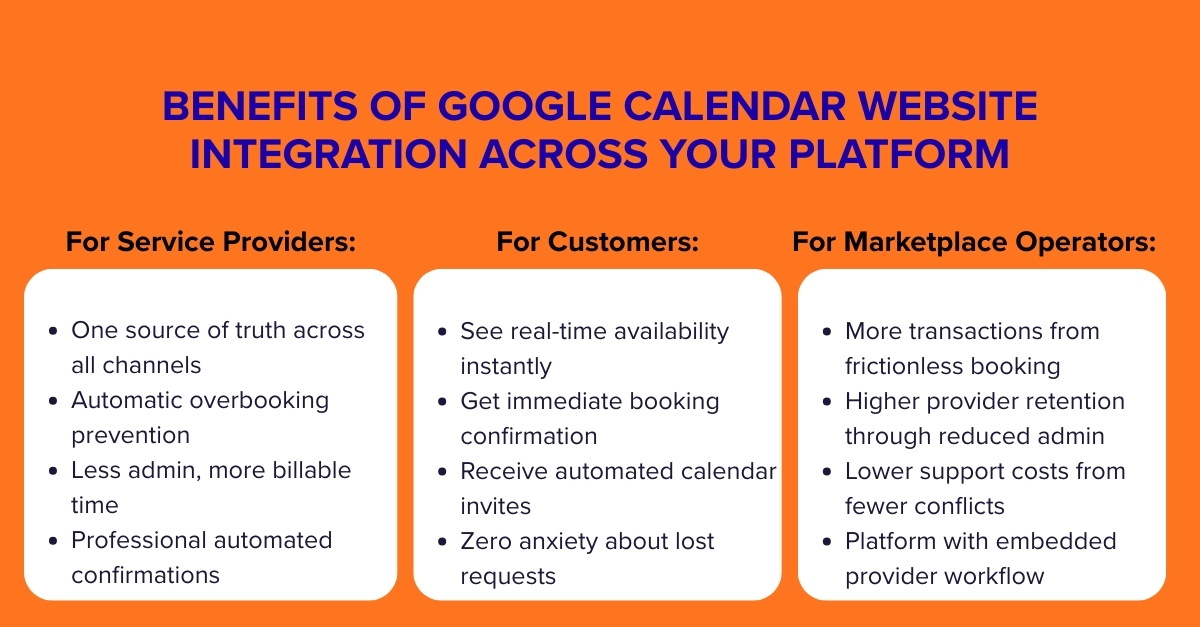
For Service Providers (Sellers):
Calendar integration transforms their experience from constant calendar management to focused service delivery. When their Sharetribe bookings automatically populate their Google Calendar, they gain:
- A single source of truth for their availability across all booking channels
- Automatic time blocking that prevents overbooking
- Reduced administrative overhead, freeing time for revenue-generating activities
- Professionalism through automated confirmations and reminders
For Customers (Buyers):
The customer experience shifts from uncertain booking requests to instant confirmation:
- Real-time availability visibility without back-and-forth communication
- Immediate booking confirmation instead of waiting for provider approval
- Automated calendar invitations with all necessary details
- Reduced anxiety about whether their booking was actually received
For Marketplace Operators:
The benefits extend beyond user satisfaction to tangible business metrics:
- Increased transaction volume through smoother booking flows
- Higher provider retention by reducing their administrative burden
- Reduced support costs from fewer scheduling conflicts
- Enhanced platform stickiness as providers embed their workflow within your ecosystem
- Competitive differentiation from marketplaces requiring manual scheduling
Google Calendar Integration With Website Pathways: From No-Code to Fully Custom
Comparison of Integration Approaches
Approach | Best For | Technical Requirement | Implementation Time | Key Advantage |
|---|---|---|---|---|
Zapier No-Code Automation | Early-stage marketplaces, non-technical teams | Minimal to none | Hours to days | Speed and simplicity; connects to 8,000+ other apps |
Custom Integration API Solution | Scaling marketplaces with specific needs | Development resources required | Days to months | Complete control and customization |
Template-Based Mobile App Integration | Marketplaces prioritizing mobile experience | Moderate development | Weeks | Native mobile experience with calendar sync |
Pre-Built Sync Solutions | Quick implementation with standard features | Minimal | Days | Purpose-built for calendar synchronization |
The Zapier Gateway: Automation Without Code
Zapier is the most accessible entry point to integrate Google Calendar into website and connect Sharetribe with Google Calendar. This visual workflow builder requires no coding and can be implemented in minutes. The Sharetribe Zapier integration works by harnessing marketplace events (such as new bookings, listing creations, or transaction completions) and using them to trigger corresponding actions in Google Calendar.
Key Implementation Considerations:
- Event Selection: Choose which Sharetribe events should trigger calendar updates (new bookings, modifications, cancellations).
- Data Mapping: Determine what booking information transfers to calendar events (customer name, service details, special requests).
- Bidirectional vs. One-Way: Decide if synchronization should be one-way (Sharetribe to Google Calendar) or bidirectional.
- Provider Authentication: Establish a secure method for providers to connect their personal Google Calendars without compromising security.
Example Zapier Workflow: “When a booking is confirmed in Sharetribe, then create a detailed event in the provider’s Google Calendar with customer information, service details, and booking notes.”
Advanced Integration via Sharetribe APIs
For marketplaces with specific requirements beyond Zapier’s capabilities, Sharetribe’s Integration API provides powerful, granular control. This approach is particularly valuable for complex booking scenarios, multi-calendar management, or marketplaces requiring deep customization. This is the path for a deep Google Calendar Sharetribe integration.
Technical Foundation:
- Extended Data Utilization: Store Google Calendar IDs and sync tokens in user private data fields to maintain secure connections between marketplace accounts and external calendars.
- Event Listening: Implement systems to listen for Sharetribe events (bookings, modifications) and translate them into Google Calendar API calls.
- Rate Limit Management: Implement proper handling of API rate limits (particularly in development environments) to ensure reliable synchronization.
Practical Google Calendar Integration API Applications Across Marketplace Verticals
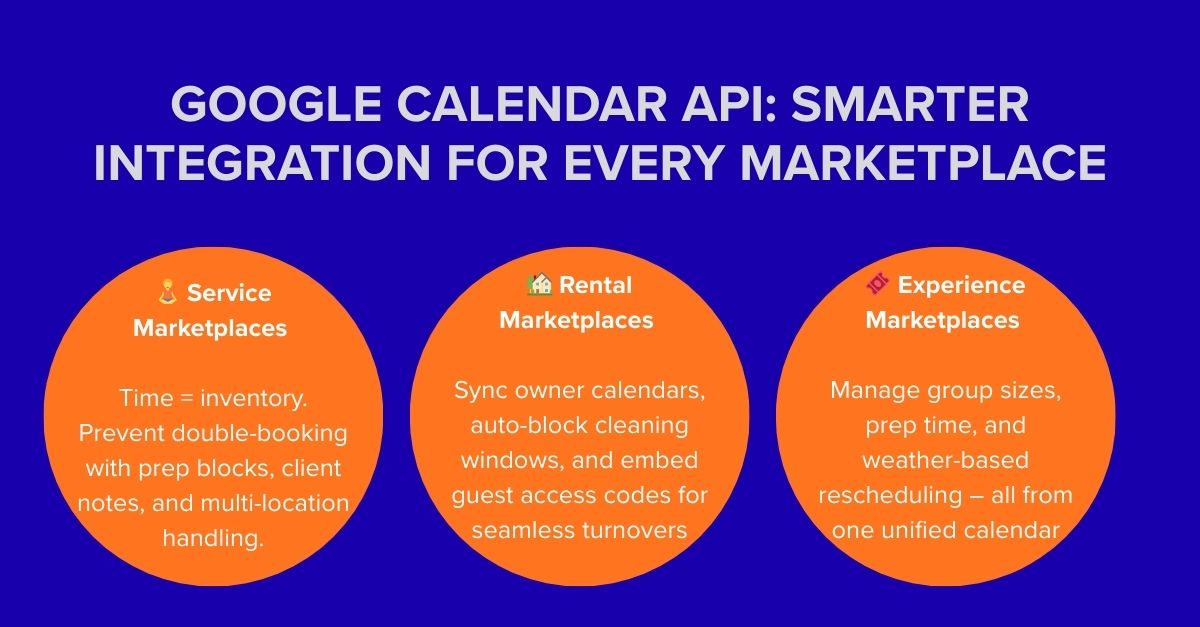
Calendar integration delivers value differently depending on your marketplace’s focus. The implementation specifics – what data syncs, when it syncs, and how conflicts are handled – should align with your users’ specific workflow needs.
Service Marketplaces (Tutoring, Consulting, Wellness)
For service providers, time is inventory. Google Calendar integration on website ensures their Sharetribe availability always reflects their true capacity. A yoga instructor teaching both through your marketplace and privately needs a unified view to prevent double-booking. Implementation should focus on:
- Buffer Time Management: Automatically blocking time before and after sessions for preparation and travel.
- Service-Specific Details: Including client notes, service variations, or special requirements in calendar events.
- Multi-Location Handling: For providers working at different locations, including address details in calendar events.
Rental Marketplaces (Vacation Homes, Equipment, Vehicles)
Rental operations often involve cleaning windows and handover procedures. Integrating Google Calendar with your website here extends beyond simple availability to encompass the entire operational workflow. Effective implementations include:
- Automated Preparation Blocks: Automatically blocking time between bookings for cleaning, maintenance, or restocking.
- Owner Calendar Integration: Syncing with the rental owner’s personal calendar to reflect their own unavailability.
- Check-in/Check-out Details: Adding guest arrival times, access codes, and special instructions to calendar events.
Experience and Event Marketplaces
These marketplaces often deal with group sizes, variable duration, and complex scheduling requirements. A cooking class marketplace might need to track ingredient preparation time, while a tour marketplace needs to account for transportation between locations.A robust Google Calendar integration API can manage lead times and participant details.
Key considerations include:
- Lead Time Requirements: Blocking appropriate preparation time before experiences based on their complexity.
- Participant Management: Tracking attendee counts and special requirements within calendar events.
- Weather-Dependent Rescheduling: Building workflows for rescheduling outdoor experiences based on weather forecasts.
Roobykon’s Google Calendar Integration Implementation Recommendations
1. Start Simple, Then Scale
Begin with one-way synchronization (Sharetribe to Google Calendar) to solve the most immediate pain point – preventing double-bookings. This approach is simpler to implement, test, and troubleshoot. Once stable, consider adding bidirectional sync based on actual user needs and behavior patterns.
2. Prioritize the Mobile Experience
With increasingly mobile user behavior, ensure your calendar integration works seamlessly on mobile devices. Consider that while buyers predominantly use mobile devices for discovery and booking, providers often use desktops for complex management tasks. A responsive design that works across devices is essential.
3. Build with Privacy and Security First
Calendar data is inherently personal. Implement secure authentication flows using OAuth for Google Calendar access, and store synchronization tokens securely in user private data fields within Sharetribe. Clearly communicate to providers what data is being accessed and how it’s used.
Roobykon’s Proven Framework for Marketplace Integration
Roobykon Software has developed a structured approach to calendar integration that balances speed, reliability, and scalability. Our methodology focuses on delivering immediate value while building a foundation for future enhancements.
Our Implementation Philosophy
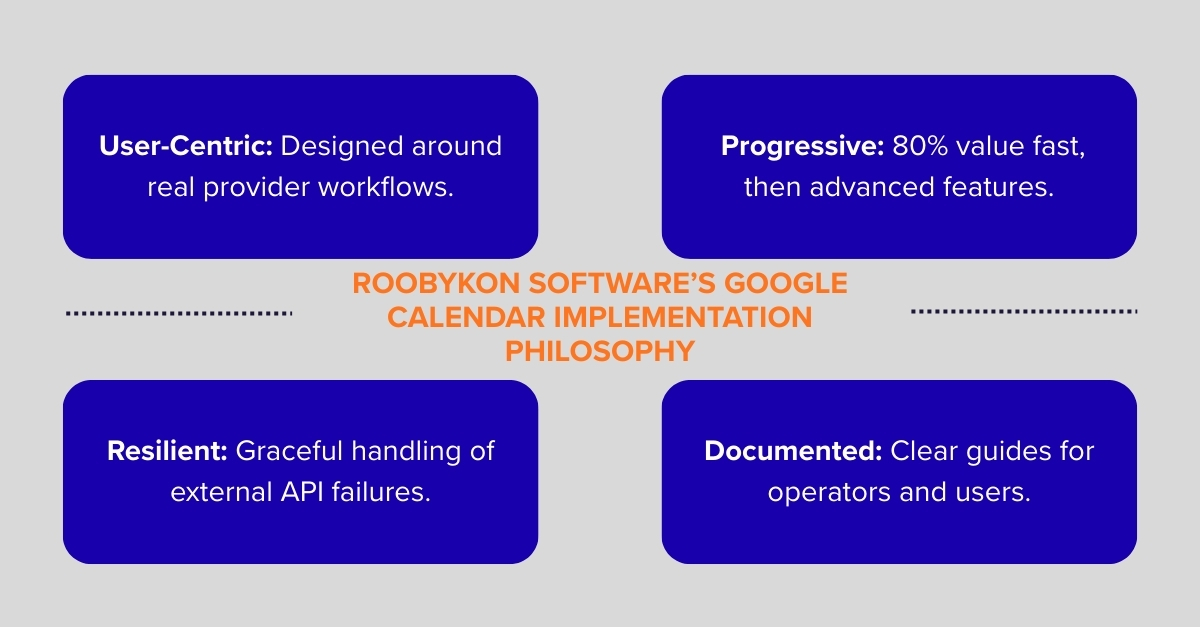
- User-Centric Design: We map the actual workflows of your providers to ensure the integration feels intuitive, not intrusive.
- Progressive Enhancement: We start with core functionality that delivers 80% of the value, then layer on advanced features based on real usage patterns.
- Resilient Architecture: We build with the understanding that external APIs fail, implementing graceful degradation when Google Calendar or Sharetribe experiences issues.
- Comprehensive Documentation: We provide clear guides for both marketplace operators and end-users to maximize adoption and satisfaction.
Case Study: Streamlining Operations with Google Calendar Integration at Wilder Places
Wilder Places, a European marketplace for rewilding tours like wolf tracking, needed a booking solution that worked for both travelers and providers. Their specific challenge wasn’t availability sync – guides already manage their schedules directly in Sharetribe. Instead, they needed a way for both parties to easily add confirmed, paid bookings to their personal calendars (Google, Apple, Outlook, etc.) with all the rich, multi-day details intact.
We implemented a custom automation to Sharetribe integrate Google Calendar using Sharetribe’s Integration API. The system triggers only after a booking is paid and approved. It then performs two key actions: first, it automatically creates a detailed event in the provider’s Google Calendar with the full itinerary, customer notes, and a link back to the transaction; second, it emails the traveler a one-click.ics file that works seamlessly with Google Calendar, Apple Calendar, Outlook, and Windows Calendar.
Such a solution delivered clarity and saved time for both sides. Guides eliminated 2-3 hours of manual data entry per multi-day tour, while travelers received a professional itinerary in their familiar calendar instantly. For Wilder Places, it reduced post-booking support queries about dates, meeting points, and equipment requirements by over 40%.
This Google Calendar Sharetribe integration example shows that powerful automation doesn’t require complex two-way sync. A focused system that intelligently distributes finalized booking information can dramatically enhance user experience and operational efficiency for any marketplace.
Transforming Calendar Management from Burden to Advantage
Managing calendars across different platforms is a huge time-suck and a recipe for errors that can frustrate your best providers and customers. Learning how to integrate Google Calendar Sharetribe is a practical, foundational fix for a very real problem. It’s about turning a daily administrative chore into something that just… works.
Forget thinking of it as just a technical tweak. This is about giving your team and your community the gift of clarity and confidence. When availability syncs automatically, you prevent the “oops, I’m double-booked” panic, reduce support tickets, and free everyone up to focus on what actually matters – growing the business and creating great experiences.
You don’t need a massive overhaul to start. You can begin with a simple, no-code tool that works in days, not months. The key is to start, solve the core headache, and then build from there based on what your users really need.
Stop wasting time managing time. Roobykon can help you implement the right calendar sync strategy, so you and your providers can focus on what you do best.
Let’s build your seamless scheduler.
Let’s Discuss Your Software Needs
Ready to take the next step in transforming your business with innovative software solutions? Schedule a call with our experts today. During the call, we’ll discuss your challenges and explore tailored solutions that can help you succeed. Quick, convenient, and focused on your goals.
Book Your Call NowFAQ

Recommended articles
 Building A Transaction Workflow – Cases For Service Marketplaces
Are you looking to take your platform to the next level? Look no further - building a transaction workflow is the key to success. By implementing payment processing, automated features, and customized solutions, you can greatly improve user satisfaction and platform efficiency.
 How to build a local online marketplace
Dreaming of launching a local marketplace that serves your community? This article will help you make it happen. We cover everything you need to know—how to research your market, pick the right tech, attract users, and grow your platform.
 AI Integration in Marketplaces: Why It’s the Next Big Thing
AI is taking the e-commerce industry by storm, with a projected market value of USD 29.71 billion by 2031. As we continue to see the impact of AI across industries, it's no surprise that its integration in online marketplaces is transforming the way businesses operate.
 User Registration and Identity Verification for a Car Sharing Platform
From stolen identities to fake profiles, fraud is one of the biggest threats to the car-sharing industry. But with today’s tools (document checks, biometric scans, criminal database cross-references, and deep learning verification), you can protect both your business and your community. Find out how.