Subscribe and you will promptly receive new published articles from the blog by mail
Every time a user leaves your Sharetribe marketplace to join a video call on Zoom or Google Meet, you risk losing them for good. This friction is a direct threat to your platform’s engagement and revenue.
The video integration platforms data is unequivocal: the average professional now attends 5.4 video calls per week, and 78% of American corporations rely on them routinely. Marketplaces that bridge this gap by integrating video natively unlock massive value. They report 35% fewer transactional disputes thanks to better pre-service communication and achieve 50% higher user retention by creating a seamless, “sticky” experience. With companies saving an average of $11,000 per employee annually by reducing travel, the demand for virtual services has never been higher.
The Sharetribe platform allows video integration, turning this friction into your greatest asset. Our new article explores how to meet this demand head-on with services like Twilio, Vonage, or Jitsi, enabling true video conferencing marketplace integration.
Understanding Sharetribe’s Video Integration Landscape
The Technical Foundation
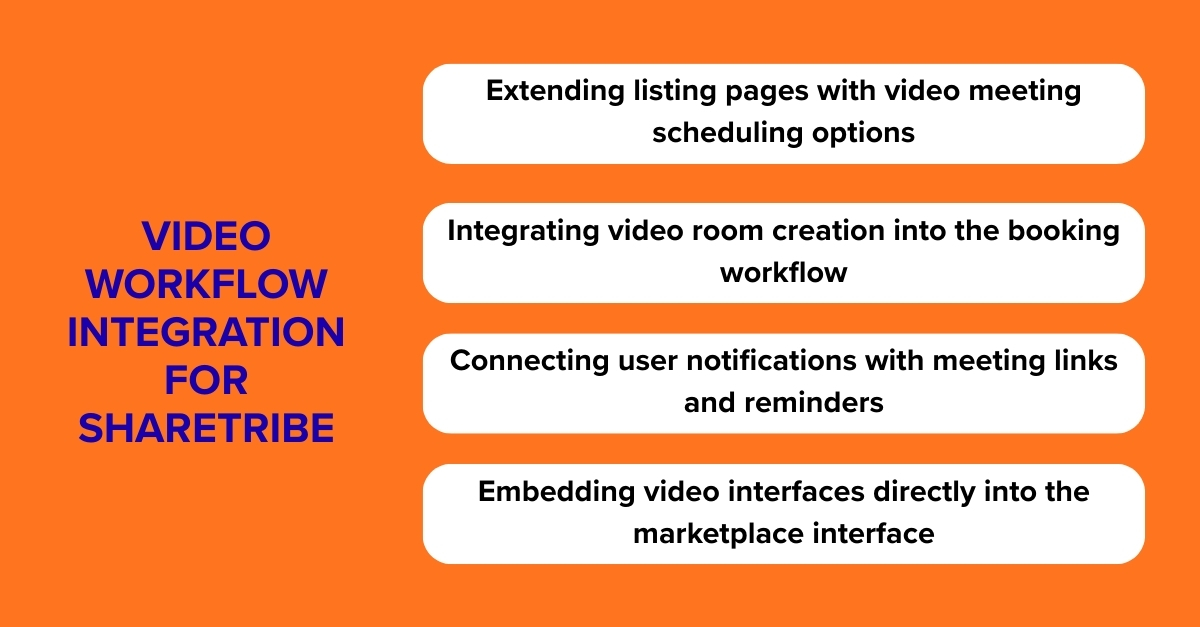
Sharetribe’s flexible architecture allows for custom video integration through several approaches. While the platform doesn’t offer built-in video conferencing, its API and customization capabilities enable Sharetribe developers to embed video solutions directly into the marketplace experience. This typically involves:
- Extending listing pages with video meeting scheduling options
- Integrating video room creation into the booking workflow
- Connecting user notifications with meeting links and reminders
- Embedding video interfaces directly into the marketplace interface
The complexity of integration varies significantly between solutions, ranging from relatively straightforward embed codes to sophisticated API-driven implementations requiring custom development.
Technical Comparison: Video Services for Your Marketplace
Choosing the right video solution requires balancing features, costs, and technical requirements. Below is a comparison of key services based on the data provided:
Service | Multiple Simultaneous Bookings | Time Limits | API Event Creation | Key Pricing | Best For |
|---|---|---|---|---|---|
Vonage | Yes (each host owns session) | Configurable | Yes | $9.99/month + $0.00475/min | Marketplaces needing flexible, developer-friendly video |
Twilio | Yes (each host owns room) | Max 4 hours | Yes | $0.004/participant/minute | High-volume platforms with variable usage patterns |
Zoom | No (one license = one host) | None listed | Yes | $200/month for 10 hosts | Established businesses with consistent high-volume needs |
Google Meet | No (plan connects to one host) | 300 hours | Limited (no participant API) | $12/user/month | Marketplaces already using Google Workspace ecosystem |
Jitsi Meet | Yes (each host owns room) | 40 min free; configurable | Yes | Jitsi is free (open-source) to self-host, or $999/month for a managed service (via 8×8) | Budget-conscious platforms wanting open-source flexibility |
BigBlueButton | Yes (inherent to server model) | Configurable (typically 24 hrs) | Yes (comprehensive API) | Variable (self-hosted costs or managed plans) | Educational and training-focused marketplaces |
Implementation Approaches for Different Video Services
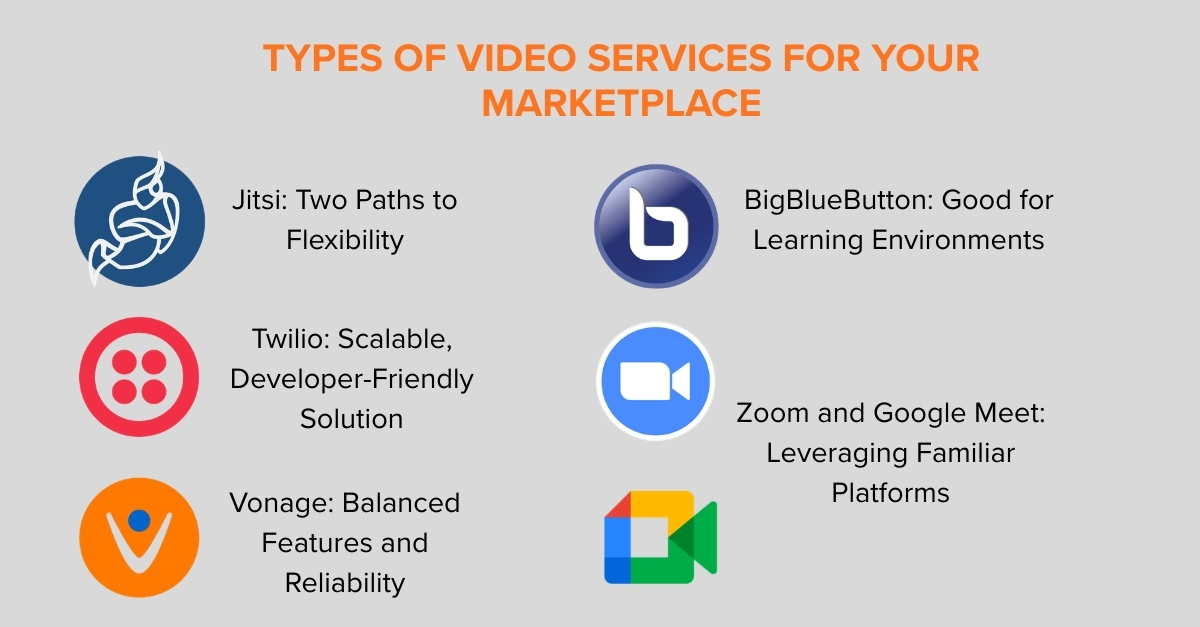
Jitsi Integration: Two Paths to Flexibility
For marketplace operators prioritizing control, Jitsi integration offers two distinct paths. You can choose the self-hosted open-source edition for maximum control, or use the managed Jitsi as a Service (8×8) offering to reduce infrastructure burdens.
- Self-Hosted Open-Source Path: This involves deploying the free Jitsi Meet software on your own infrastructure, granting you full control over data, customization, and costs. It requires you to handle server management, security, and scaling, but offers complete freedom to tailor the platform to your exact needs.
- Managed Service Path (Jitsi as a Service): Provided by 8×8, this is a cloud-hosted, enterprise-grade version. You use their robust infrastructure and APIs, eliminating the need to manage servers. This path offers greater reliability and support, typically under a subscription model based on monthly active users (e.g., $999/month for 3,000 MAUs).
Both Jitsi website integration paths involve key technical steps: creating rooms via API, customizing the interface to match your marketplace branding, and implementing secure token authentication (JWT) for room access. The Jitsi videoconference with Sharetribe approach is popular for education, therapy, and community platforms where a balance of branding, data control, and cost is key.
Twilio Integration: Scalable, Developer-Friendly Solution
Twilio’s Programmable Video API provides exceptional flexibility for marketplaces with diverse use cases. Implementation highlights include:
- Dynamic room creation for each booking session
- Granular participant controls and moderation features
- High-quality adaptive video streams
- Comprehensive documentation and SDKs for faster development
The Twilio video conference integration is ideal for marketplaces expecting rapid growth, as its pay-per-use model scales efficiently with your user base.
Vonage Integration: Balanced Features and Reliability
Formerly TokBox, Vonage video conferencing delivers enterprise-grade reliability with straightforward implementation:
- Persistent rooms that can be reused across multiple time slots
- Archiving capabilities for session recording (where permitted)
- Interactive features like screen sharing and in-stream messaging
- Global low-latency delivery network
Vonage video Sharetribe implementations work well for professional services marketplaces where session quality and reliability are paramount.
BigBlueButton: Specialized for Learning Environments
While not included in our comparison table, BigBlueButton video conferencing deserves a mention for educational marketplaces. This open-source solution specializes in virtual classrooms with features like:
- Interactive whiteboards and presentation tools
- Breakout rooms for small group collaboration
- Polling and quizzes for engagement assessment
- Learning management system integrations
Sharetribe BigBlueButton integration creates powerful educational marketplaces for tutors, trainers, and coaches.
Zoom and Google Meet: Leveraging Familiar Platforms
For marketplaces whose users already prefer these established platforms, Zoom and Google Meet API integration focuses on workflow automation rather than embedded video:
- Automated meeting creation upon booking confirmation
- Calendar synchronization between marketplace and video service
- Link management and secure distribution to participants
- Usage tracking for billing and analytics
Sharetribe Zoom integration and Google Meet website integration reduce friction while maintaining the familiarity users appreciate.
The Roobykon Implementation Framework
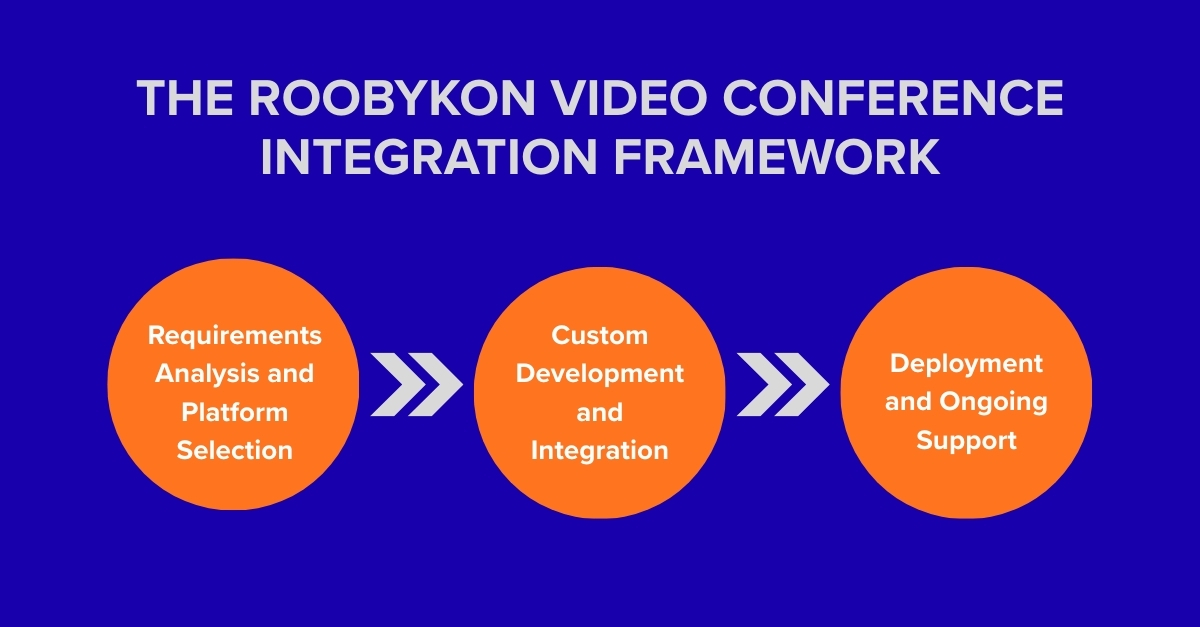
Phase 1: Requirements Analysis and Platform Selection
We begin every Sharetribe video conference integration project with a comprehensive discovery process to match your marketplace needs with the optimal video solution. Key considerations include:
- User volume and concurrency requirements
- Technical infrastructure and development resources
- Budget constraints and pricing model preferences
- Feature requirements like recording, screen sharing, or whiteboarding
- Compliance needs including data residency and privacy regulations
Phase 2: Custom Development and Integration
Our development team employs a structured Sharetribe video calls integration methodology:
- Marketplace extension – Creating custom fields and interfaces for video session management
- Booking workflow integration – Connecting video room creation to your marketplace’s transaction flow
- Notification system enhancement – Automating meeting link distribution and reminders
- User interface embedding – Seamlessly integrating video interfaces into your marketplace design
- Testing and quality assurance – Ensuring reliability across devices and network conditions
Phase 3: Deployment and Ongoing Support
We provide comprehensive deployment services including:
- Staged rollout to minimize disruption
- User training and documentation
- Performance monitoring and optimization
- Technical support for troubleshooting
- Scalability planning for future growth
Cost Considerations for Video Integration
Implementation costs vary significantly based on your chosen approach:
- Basic embed integration: $2,000–$5,000. This involves embedding a pre-built, white-label video UI into your marketplace, connected via their standard API for basic room creation.
- Custom API integration: $5,000–$15,000. This covers building a more complex, fully custom user experience using programmable APIs (like Twilio, Vonage, or self-hosted Jitsi).
- Custom video solutions (self-hosted Jitsi with extensive customization): $1,000-$5,000+
- Enterprise implementations with multiple features and compliance requirements: $20,000-$50,000+
Ongoing costs include video service subscription fees, maintenance, and potential usage-based charges. Most marketplaces see a strong ROI through increased transaction completion rates, higher-value service offerings, and improved user retention.
Future-Proofing Your Video Integration Strategy
As video technology evolves, we recommend building video conferencing marketplace integration with flexibility in mind. Consider:
- Modular architecture that allows switching video providers with minimal disruption
- Usage analytics to inform future decisions about scaling or feature additions
- User feedback mechanisms to identify needed enhancements
- Regular reviews of emerging video technologies and features
The most successful marketplace video integrations balance immediate needs with long-term adaptability, ensuring your platform – particularly payment integration with Sharetribe – can evolve alongside changing user expectations and technological advancements.
Transforming Transactions into Experiences
When you decide to integrate video conferencing into marketplace website, it represents more than a feature addition – it’s a fundamental enhancement of how your users connect and transact. Whether you choose the open-source flexibility of Jitsi, the scalable infrastructure of Twilio, the enterprise reliability of Vonage, or the familiarity of Zoom and Google Meet, the result is a more engaged, valuable community of users.
At Roobykon Software, we specialize in Sharetribe custom development, translating technical possibilities into marketplace advantages. Our experience with Sharetribe video conference integration across diverse industries helps marketplace operators navigate the complex landscape of video services to implement solutions that drive growth, increase transaction values, and build lasting competitive advantages.
Ready to explore how video integration can transform your Sharetribe marketplace? Contact our team for a personalized consultation and implementation roadmap tailored to your unique requirements and strategic goals.
Frequently Asked Questions

Recommended articles
 How to build a local online marketplace
Dreaming of launching a local marketplace that serves your community? This article will help you make it happen. We cover everything you need to know—how to research your market, pick the right tech, attract users, and grow your platform.
 The Easy Way to Create a Digital Product Marketplace with Sharetribe
This informative guide covers all the essential steps and tips to create a successful online marketplace using Sharetribe, one of the most popular and user-friendly platforms out there. From setting up your marketplace to attracting and retaining customers, this article has got you covered.
 Top 10 Reasons Users Leave Your Site, and You Lose Profits: Figures, Facts, Statistics!
Even one extra second of your site's load time can cost you up to $4.1 billion annually. By contrast, minimizing the data, you enter when registering can bring in additional revenue. Want to know how neglecting your target audience can ruin your business? Read our article.
 TOP 5 Marketplace Business Models to Build in 2026
Unlock high-growth opportunities in the digital economy. Our deep-dive article identifies the top 5 marketplace business models primed for success in 2026. We break down the data, consumer trends, and operational advantages of each model.